7 Everyday Tech Upgrades for a Calmer, Better-Organized Home
Technology plays a big part in everyday home life. We use phones to stay in touch, laptops for work, tablets for learning, and TVs for entertainment. However, having these devices is only part of the picture. The right accessories can make them easier to use, keep them protected, and help everyone in the home stay connected.
A few useful additions can also save time when batteries run low, cables go missing, or a device needs extra storage. You do not need to fill every room with gadgets. Start with the items that solve common problems and make daily routines a little easier.
1. Charging Accessories for Everyday Devices
Phones, tablets, smartwatches, and wireless earbuds all need regular charging. Having a few good charging accessories around the house can make this task much easier.
A multi-port USB charger is useful when several family members need to charge their devices at the same time. You can also keep spare charging cables in places where people often use their phones, such as the living room or home office.
Wireless charging pads are another handy option for compatible devices. They reduce cable clutter and make it easy to charge a phone while working or relaxing. Just check that the charger supports your device before buying it.
2. Portable Power Solutions
Power banks are useful when you need to charge a device away from a wall outlet. They can help during long trips, outdoor activities, or even busy days when you forget to charge your phone overnight.
Keep one in a travel bag or near the front door so it is easy to find before leaving home. Some models can charge more than one device, which is helpful when several people need extra power.
You may also want a small backup power supply for certain home electronics. Before choosing one, check its capacity and the types of devices it can support. A power bank for a phone will not always be suitable for a laptop or larger device.
3. Smartphone Protection Accessories
Smartphones are handled throughout the day, so they can easily get scratched or damaged. A good phone case and screen protector can help reduce the risk of damage from everyday bumps and drops.
Cases come in different styles, from slim covers to stronger designs with extra protection around the edges. Choose one that fits your phone model and gives you a comfortable grip.
A screen protector adds another layer of protection against scratches. Some also help reduce glare or fingerprints. Since most people keep important contacts, photos, and personal details on their phones, protecting these devices is a sensible step.
4. Computer and Laptop Accessories
A few computer accessories can make working, studying, and browsing at home more comfortable. An external mouse, for example, can be easier to use than a laptop touchpad when you spend several hours at a desk.
Other useful additions include:
- Laptop stands: Raise the screen to a more comfortable viewing height.
- External keyboards: Give you more room to type and arrange your desk.
- USB hubs: Allow you to connect several devices when your laptop has limited ports.
- Laptop sleeves: Help protect your computer when carrying it around the house or travelling.
These items can help create a more useful workspace without taking up too much room. Choose accessories that fit your computer and the way you use it.
5. Data Storage and Memory Accessories
Photos, videos, school projects, and work files can take up a lot of space. When your device starts running low, extra storage can help you keep important files without deleting things you still need.
USB flash drives are useful for moving smaller files between devices. External hard drives and solid-state drives offer more space for larger files, backups, and family photos. Memory cards can also be useful for cameras and other compatible devices.
Remember to keep another copy of important files where possible. If a storage device gets lost or damaged, a backup can help you avoid losing everything.
6. Home Networking and Connectivity Accessories
A reliable internet connection helps the whole household. It supports video calls, online classes, streaming, gaming, and smart home devices.
A good Wi-Fi router can help connect several devices around the home. If the signal is weak in certain rooms, a Wi-Fi extender or mesh system may help improve coverage. Ethernet cables are also useful when you want a more stable connection for a desktop computer, gaming console, or smart TV.
Remember to protect your home network. The Federal Trade Commission recommends changing default router passwords, using strong Wi-Fi security, and keeping router software up to date. These simple steps can help keep unwanted users away from your network.
7. TV and Home Entertainment Accessories
The living room often has several connected devices, from televisions and streaming players to gaming consoles and sound systems. A few accessories can make this setup easier to manage.
A universal remote can reduce the number of controllers on the coffee table, while a wall mount can help position a TV at a comfortable viewing height. HDMI cables are useful for connecting gaming systems, laptops, and streaming devices to a television.
You might also consider a soundbar if you want clearer audio during films or TV shows. Before buying anything, check the ports and connection types on your existing equipment to avoid compatibility problems.
How to Choose the Right Tech Accessories for Your Home
The best accessories are the ones that solve real problems. Think about which devices your household uses most and where a small upgrade could make daily life easier.
Before buying, consider these points:
- Compatibility: Check that the accessory works with your device.
- Quality: Look for reliable materials and clear product details.
- Purpose: Buy items that serve a real need rather than adding clutter.
- Budget: Compare features and choose something that offers good value.
When buying electronics online, you have the opportunity to compare specifications to know what works best for you. Comparing your options before making a purchase can help you find accessories that suit your devices and budget.
Useful Tech Accessories
Useful tech accessories can make a home more comfortable, organised, and connected. From chargers and phone cases to storage drives and Wi-Fi equipment, each item has a role to play. Start with the devices you use most, look for accessories that fit your needs, and build a collection over time. A few thoughtful choices can make everyday technology easier for everyone in the house.
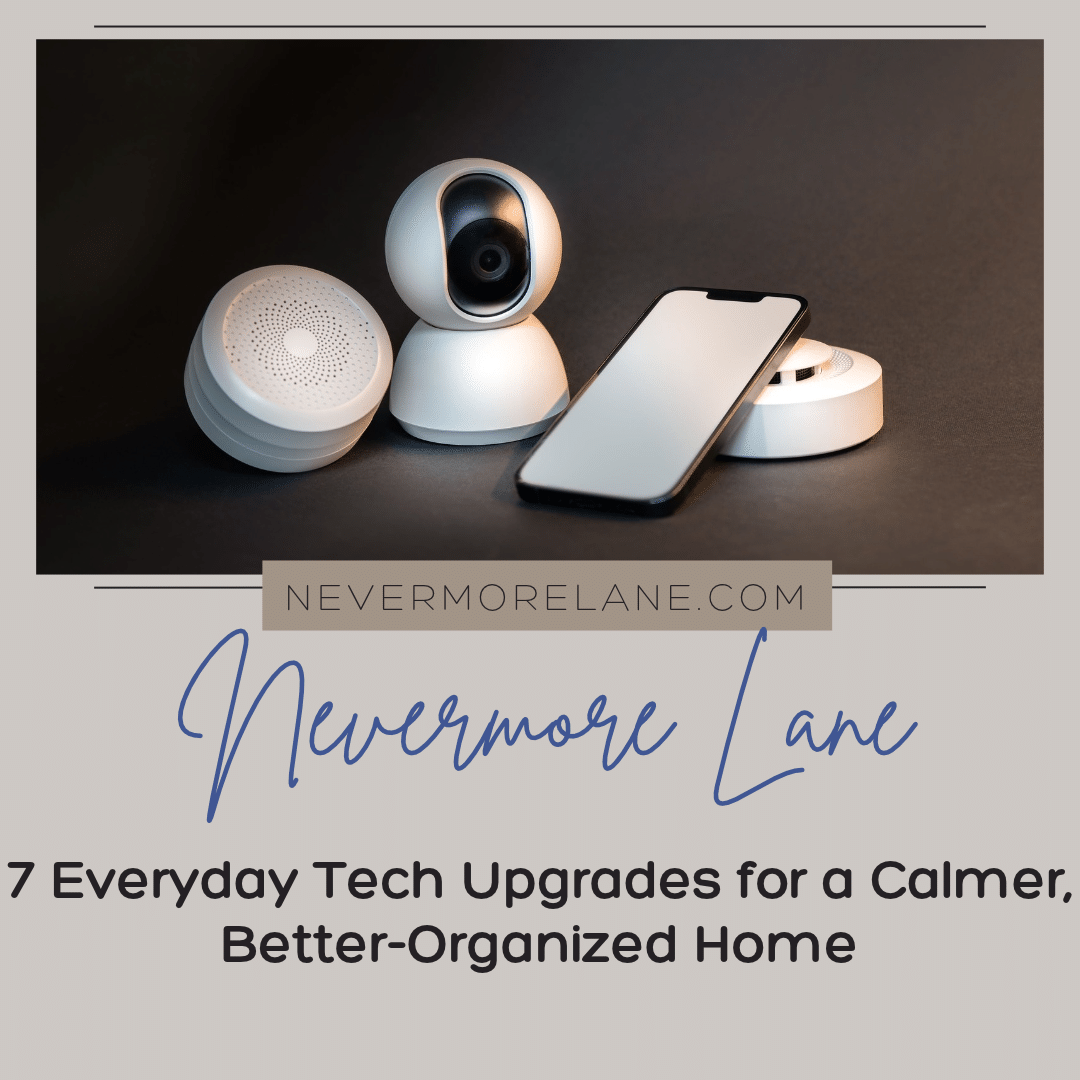
Photo by Jakub Zerdzicki: https://www.pexels.com/photo/smartphone-camera-and-sensors-22307556/