Work Smarter Daily: Best Online Resources to Improve Your Daily Life and Productivity
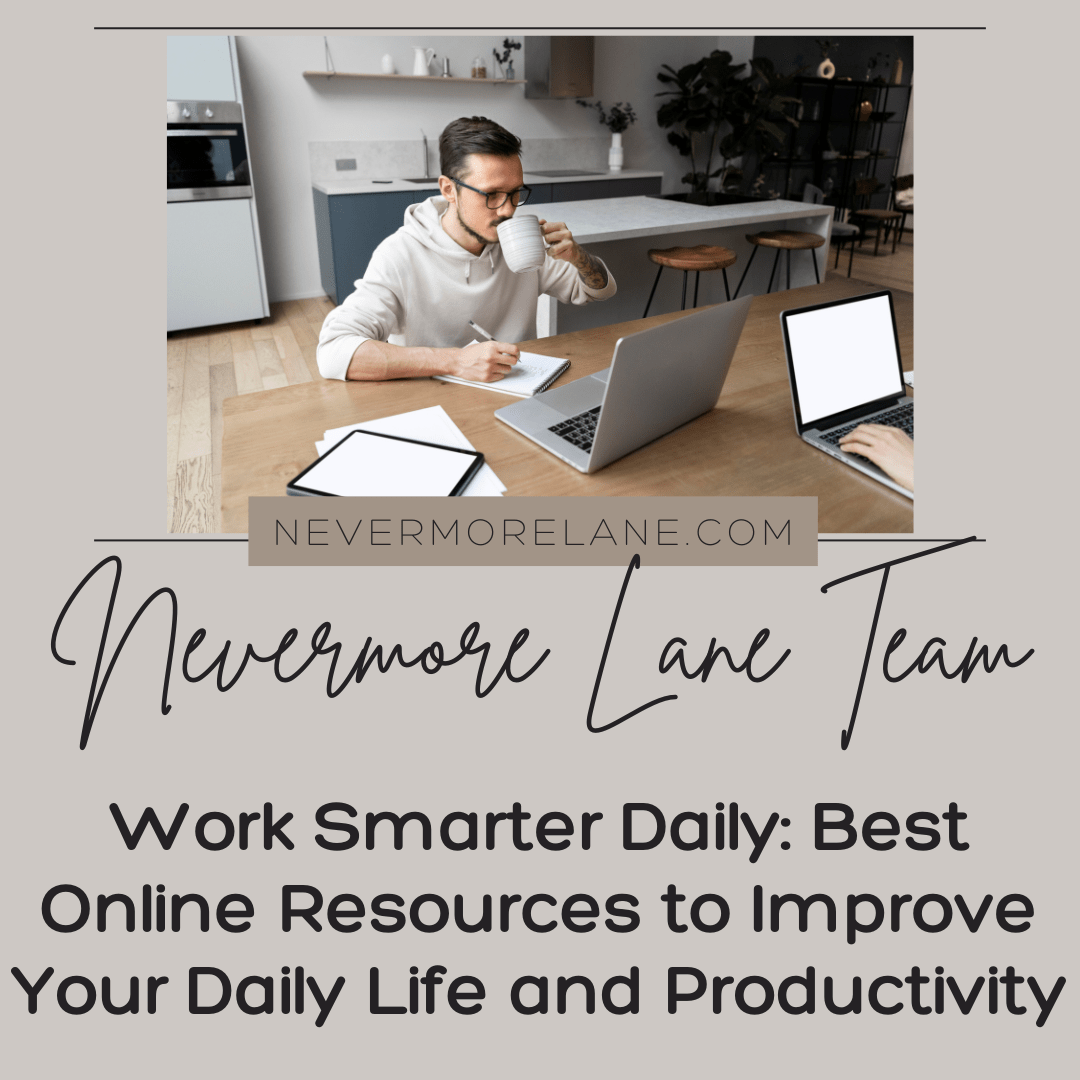
The home office that once felt like a dream now resembles a chaotic command center drowning in browser tabs and sticky notes. The coffee cup sits cold next to three different productivity apps that promised to revolutionize remote work. The bookmarks folder labeled “work from home resources” contains 87 links that never get revisited. Meanwhile, the actual struggle continues daily. The laundry calls from the other room. The kitchen keeps distracting with snack possibilities. The boundary between work and life dissolved months ago leaving everything bleeding together into an exhausting blur.
Working from home introduced productivity challenges that office life never prepared anyone to handle. The structure disappeared overnight. The commute that once marked transitions vanished. The physical separation between work and home collapsed completely. Now everything happens in the same space where sleep and relaxation should occur. The online resources promising to solve these problems accumulate faster than they get implemented. Some genuinely help create the structure and focus that remote work demands. Others simply add to the overwhelm of managing both professional responsibilities and domestic life from the same four walls.
The difference between helpful tools and digital clutter becomes critical when the home serves as both workplace and sanctuary. The video meeting software that works flawlessly matters. The project management system that makes sense matters. The focus techniques that actually block household distractions matter. The resources addressing the unique challenges of working where you live deliver real value. Everything else just clutters up devices and creates guilt about subscriptions that never get used. Understanding which online resources genuinely serve work-from-home life versus which sound good but gather digital dust helps build sustainable remote work practices. The goal involves working smarter from home rather than simply working more from a space that never stops demanding attention.
Trello – Visualize and Track Progress Like a Pro
Trello transforms your personal and professional projects into clear, visual workflows. Its card-based interface allows you to organize goals, assign priorities, and monitor progress at a glance.
Why it works:
- Lets you categorize tasks by project, priority, or timeline.
- Encourages accountability with shared boards for teams or partners.
- Integrates seamlessly with Google Drive and Slack for streamlined management.
Unique Tip: Create a “Goal Progress Board” with lists labeled Vision → Monthly Targets → Weekly Wins → Done. This method gamifies progress tracking and helps maintain motivation over time.
Notion – Your Digital Second Brain
Notion is more than a productivity tool—it’s a central hub for your goals, notes, and reflections. You can design custom dashboards for tracking habits, financial goals, or even personal journaling.
Why it works:
- Combines databases, kanban boards, and notes in one flexible workspace.
- Offers pre-built templates for goal setting, self-improvement, and project management.
- Syncs across devices so you can stay aligned wherever you are.
Unique Tip: Build a “Life OS” template with sections for Career, Health, Learning, and Relationships. Connect these with daily logs to see how small actions contribute to long-term outcomes.
Todoist – The Simplicity of Staying on Task
Todoist helps you focus on what matters most by transforming your overwhelming to-do list into an actionable, prioritized system. Its clean interface encourages consistent use, reducing cognitive load.
Why it works:
- Smart scheduling suggests ideal times to complete tasks based on behavior patterns.
- Built-in “Karma Points” reward consistency and progress.
- Integrates with calendar tools for seamless daily planning.
Unique Tip: Use the “Goals” feature to set daily or weekly target completions. Over time, you’ll create momentum that compounds into meaningful progress.
RescueTime – Understand How You Spend Your Days
Improving productivity starts with awareness. RescueTime runs quietly in the background, tracking how you spend time across apps and websites. It then provides analytics to reveal where focus breaks down.
Why it works:
- Helps identify hidden time drains and distractions.
- Enables you to set focus goals and receive alerts when you stray from them.
- Weekly reports visualize productivity trends.
Unique Tip: Pair RescueTime with a digital detox commitment. For example, block social media during high-focus hours and track your productivity score before and after.
Headspace – Mindfulness for Modern Schedules
Headspace turns mindfulness into a daily habit through guided meditations, sleep aids, and focus exercises. It’s designed for busy individuals who need calm without complexity.
Why it works:
- Structured courses build emotional resilience and self-awareness.
- Helps reduce anxiety and improve sleep quality.
- Features short “mindful moments” that fit between meetings or tasks.
Unique Tip: Start each workday with a two-minute “Focus Meditation.” Over time, this routine strengthens concentration and helps transition the mind from reactive to intentional thinking.
Grammarly – Write With Confidence, Anywhere
Whether you’re writing a resume, journaling, or emailing a client, Grammarly ensures your communication is clear and confident. It goes beyond spelling to improve tone and clarity.
Why it works:
- Offers real-time feedback for grammar, style, and tone.
- Adapts to context—professional, casual, or academic.
- Available as a browser extension, desktop app, and mobile keyboard.
Unique Tip: Use Grammarly’s tone detector to refine professional messages or negotiation emails. Clear writing often leads to better outcomes in goal-related communication.
♥️ FAQ Section: Online Tools for Better Living
A short guide to common questions about using digital tools to reach personal and professional goals.
Q1: How can I make my online tools work together effectively?
Integrate them through automation platforms like Zapier or Make. For example, link Trello tasks to Google Calendar events, or have Todoist automatically capture Notion action items. The more your tools communicate, the more streamlined your progress tracking becomes.
Q2: What’s the best way to stay visually organized across tools?
Use Notion as your central hub and embed your Trello boards or calendar links directly within it. This creates a “command center” where all data flows back to a single interface.
Q3: How can I improve digital networking or personal branding?
Start by designing a professional business card for print. A well-crafted card strengthens in-person connections and complements your digital presence on platforms like LinkedIn and personal websites.
Q4: How do I protect my focus while using online tools?
Combine productivity apps with focus enforcers such as RescueTime or Forest. Set clear boundaries—schedule “offline blocks” and treat them as meetings with yourself. The discipline of disconnecting is as valuable as any digital feature.
Q5: How do I maintain motivation over long-term goals?
Leverage gamified systems. For example, Todoist’s Karma Points or Habitica’s quest-style progression turn repetition into reward. Track milestones monthly and celebrate small wins to sustain momentum.
Build Your Toolkit, Not Your Digital Clutter
The best online resources for daily productivity and life improvement serve specific needs without creating new complications. Task management systems work when they match natural thinking patterns. Focus tools help when they remove distractions rather than becoming distractions themselves. Learning resources deliver value when they fit into available time slots. Automation tools save effort when they handle genuinely repetitive tasks. The effectiveness comes from strategic selection rather than comprehensive collection.
The implementation matters as much as the selection. Start with one resource addressing the biggest current pain point. Master it completely before adding anything else. Evaluate honestly after two weeks whether it actually helps or just feels productive. Remove immediately anything that creates more work than it saves. The toolkit builds gradually through resources that prove themselves rather than promises that sound appealing.
Working smarter daily means recognizing that productivity doesn’t come from having access to every possible tool and resource. It comes from using the right few consistently and well. The online resources exist. The challenge involves choosing wisely rather than trying everything and mastering nothing. Sometimes the smartest work happens through ruthless curation that eliminates options until only the genuinely useful remain serving actual needs rather than imagined ones.
The tools above represent more than apps—they are extensions of your focus, energy, and intention. When thoughtfully integrated, they transform daily routines into compounding progress toward your goals. Use Trello to visualize, Notion to centralize, and RescueTime to analyze. Add Headspace to recharge your mind and Grammarly to refine your communication.